Free
Creative Studio
Interior Designer
Interior Designer
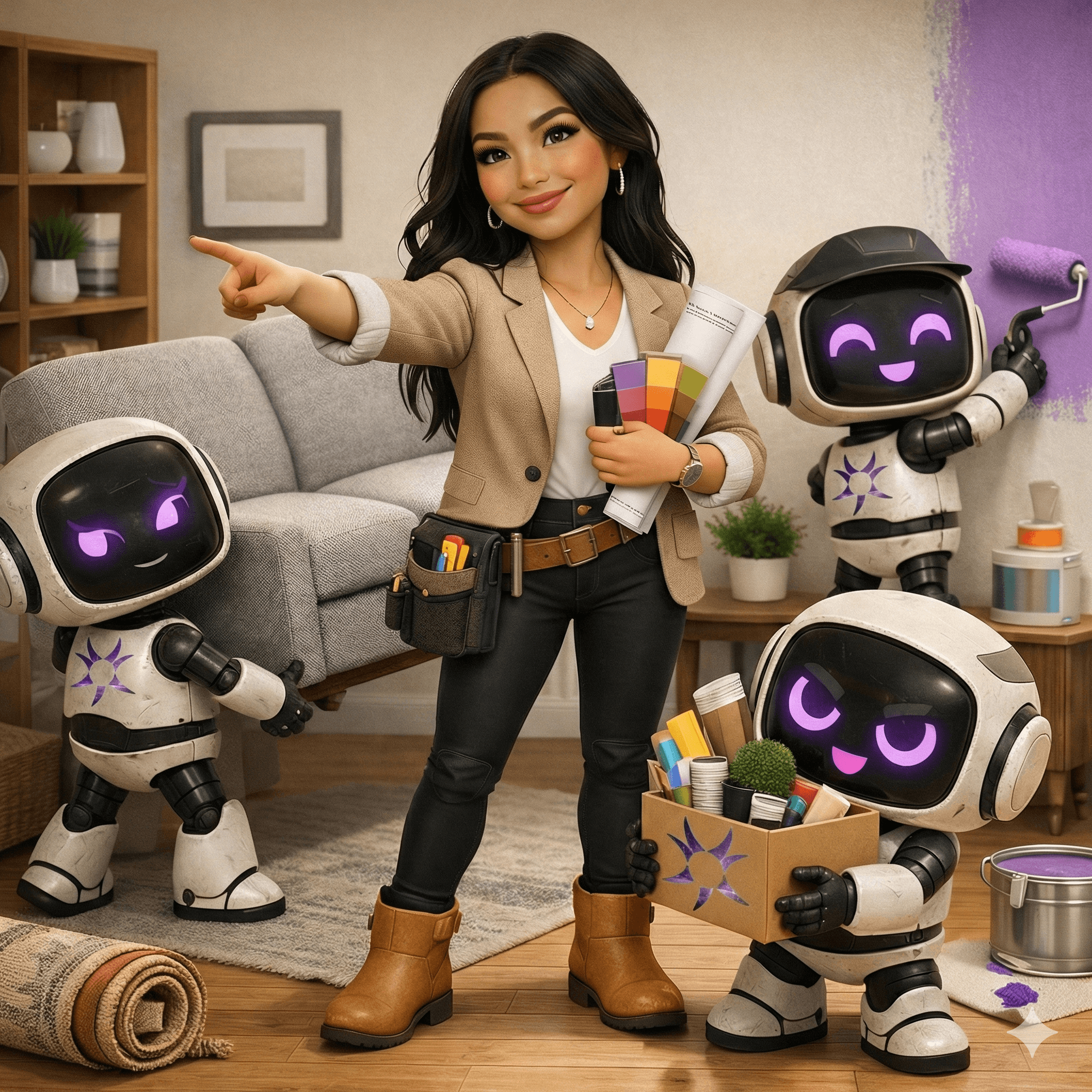
This Assistant helps you redecorate your room by editing a photo you upload—without changing the room’s structure. It’s built for anyone who wants to test furniture swaps, layout tweaks, and decor ideas before buying anything or dragging a couch across the floor. Upload one clear photo, answer 4 quick questions, and you’ll get a photoreal redesign that keeps your walls, windows, doors, built-ins, and camera angle the same—so the concept actually fits your real space. Use it for living rooms, bedrooms, offices, rentals, and “this room almost works” situations.
More Human with AI
How Does It Work?
Most decorating advice falls apart the moment it hits your actual room. Pinterest looks great, but it doesn’t match your layout. Mood boards don’t show scale. And a lot of AI “room ideas” quietly change the architecture—extra windows, shifted walls, bigger rooms—so you’re left inspired but still stuck. Interior Designer removes that friction by letting you see realistic options in your exact space, without pretending you remodeled.
Type /start, then upload one clear photo (the more of the room it shows, the better). Room Refresh does a quick layout read—what’s fixed vs. what’s editable—then asks exactly 4 questions (style/vibe, must-keep vs. must-change, function + budget tier, palette + no-go rules). After you answer, it recaps a short design brief and generates one primary photoreal edit: furniture swaps, repositioning, lighting/decor upgrades—while preserving the structure, perspective, and lighting direction. Want options? Ask for up to 3 variants (lighter palette, more storage, bolder rug, etc.).
Step by Step Process:
• Type /start
• Upload one clear photo showing as much of the room as possible
• Answer 4 quick questions (style, keep/change, function + budget, palette + no-go’s)
• Review the brief recap (to confirm it matches what you want)
• Receive your redesigned image (same room, new setup)
• Ask for up to 3 variants if you want to compare directions
• Pick your favorite and use it to shop, rearrange, or plan your next step
Guardrails
• No structural changes: no moving/adding/removing walls, doors, windows, ceilings, floorplan, or built-ins
• Keeps the same camera angle and room geometry (no “invented” square footage)
• Prioritizes realistic scale and clear walkways (doors and windows should still function)
FAQs
Frequently Asked Questions
Why are some Assistants free while others are paid?
Paid assistants reflect deeper development time, specialized frameworks, and ongoing maintenance to deliver consistent outputs. Free assistants are offered to expand access and help more people use AI in practical, human-centered ways. Pricing helps us sustain continued improvement and support.
Do I receive the system prompt or internal instructions when I purchase an Assistant?
No, your purchase provides access to the Assistant experience, not the underlying system prompt or internal build materials. Those internal instructions are part of our intellectual property. We may provide usage guides or best-practice instructions to help you get strong results.
Do Fourth Gen Assistants get updated over time?
Yes, we refine assistants as tools and best practices evolve, so outputs may change over time. If an update would substantially change the assistant’s structure or purpose, we may release a new version instead of overwriting the original.
Is what I share with an Assistant private?
Your chats occur within OpenAI’s ChatGPT platform and are governed by OpenAI’s terms and privacy controls. OpenAI provides settings that allow you to manage whether your conversations are used to improve their models.
If an Assistant is removed from the Fourth Gen Labs website, will I still have access?
If you already added the Assistant to your ChatGPT account, you may still be able to access it there even if it is removed from our website. Availability ultimately depends on OpenAI’s platform and your account status, and we cannot guarantee continued availability if OpenAI changes or retires features.
Do I need a ChatGPT account to use Fourth Gen Assistants?
Yes, these assistants run through OpenAI’s ChatGPT platform, so you must have a ChatGPT account to access them. Access requirements and availability may vary based on OpenAI’s current policies and product tiers.

More Human with AI
How Does It Work?
Most decorating advice falls apart the moment it hits your actual room. Pinterest looks great, but it doesn’t match your layout. Mood boards don’t show scale. And a lot of AI “room ideas” quietly change the architecture—extra windows, shifted walls, bigger rooms—so you’re left inspired but still stuck. Interior Designer removes that friction by letting you see realistic options in your exact space, without pretending you remodeled.
Type /start, then upload one clear photo (the more of the room it shows, the better). Room Refresh does a quick layout read—what’s fixed vs. what’s editable—then asks exactly 4 questions (style/vibe, must-keep vs. must-change, function + budget tier, palette + no-go rules). After you answer, it recaps a short design brief and generates one primary photoreal edit: furniture swaps, repositioning, lighting/decor upgrades—while preserving the structure, perspective, and lighting direction. Want options? Ask for up to 3 variants (lighter palette, more storage, bolder rug, etc.).
Step by Step Process:
• Type /start
• Upload one clear photo showing as much of the room as possible
• Answer 4 quick questions (style, keep/change, function + budget, palette + no-go’s)
• Review the brief recap (to confirm it matches what you want)
• Receive your redesigned image (same room, new setup)
• Ask for up to 3 variants if you want to compare directions
• Pick your favorite and use it to shop, rearrange, or plan your next step
Guardrails
• No structural changes: no moving/adding/removing walls, doors, windows, ceilings, floorplan, or built-ins
• Keeps the same camera angle and room geometry (no “invented” square footage)
• Prioritizes realistic scale and clear walkways (doors and windows should still function)
FAQs
Frequently Asked Questions
Why are some Assistants free while others are paid?
Paid assistants reflect deeper development time, specialized frameworks, and ongoing maintenance to deliver consistent outputs. Free assistants are offered to expand access and help more people use AI in practical, human-centered ways. Pricing helps us sustain continued improvement and support.
Do I receive the system prompt or internal instructions when I purchase an Assistant?
No, your purchase provides access to the Assistant experience, not the underlying system prompt or internal build materials. Those internal instructions are part of our intellectual property. We may provide usage guides or best-practice instructions to help you get strong results.
Do Fourth Gen Assistants get updated over time?
Yes, we refine assistants as tools and best practices evolve, so outputs may change over time. If an update would substantially change the assistant’s structure or purpose, we may release a new version instead of overwriting the original.
Is what I share with an Assistant private?
Your chats occur within OpenAI’s ChatGPT platform and are governed by OpenAI’s terms and privacy controls. OpenAI provides settings that allow you to manage whether your conversations are used to improve their models.
If an Assistant is removed from the Fourth Gen Labs website, will I still have access?
If you already added the Assistant to your ChatGPT account, you may still be able to access it there even if it is removed from our website. Availability ultimately depends on OpenAI’s platform and your account status, and we cannot guarantee continued availability if OpenAI changes or retires features.
Do I need a ChatGPT account to use Fourth Gen Assistants?
Yes, these assistants run through OpenAI’s ChatGPT platform, so you must have a ChatGPT account to access them. Access requirements and availability may vary based on OpenAI’s current policies and product tiers.
More Human with AI
How Does It Work?
Most decorating advice falls apart the moment it hits your actual room. Pinterest looks great, but it doesn’t match your layout. Mood boards don’t show scale. And a lot of AI “room ideas” quietly change the architecture—extra windows, shifted walls, bigger rooms—so you’re left inspired but still stuck. Interior Designer removes that friction by letting you see realistic options in your exact space, without pretending you remodeled.
Type /start, then upload one clear photo (the more of the room it shows, the better). Room Refresh does a quick layout read—what’s fixed vs. what’s editable—then asks exactly 4 questions (style/vibe, must-keep vs. must-change, function + budget tier, palette + no-go rules). After you answer, it recaps a short design brief and generates one primary photoreal edit: furniture swaps, repositioning, lighting/decor upgrades—while preserving the structure, perspective, and lighting direction. Want options? Ask for up to 3 variants (lighter palette, more storage, bolder rug, etc.).
Step by Step Process:
• Type /start
• Upload one clear photo showing as much of the room as possible
• Answer 4 quick questions (style, keep/change, function + budget, palette + no-go’s)
• Review the brief recap (to confirm it matches what you want)
• Receive your redesigned image (same room, new setup)
• Ask for up to 3 variants if you want to compare directions
• Pick your favorite and use it to shop, rearrange, or plan your next step
Guardrails
• No structural changes: no moving/adding/removing walls, doors, windows, ceilings, floorplan, or built-ins
• Keeps the same camera angle and room geometry (no “invented” square footage)
• Prioritizes realistic scale and clear walkways (doors and windows should still function)
FAQs
Frequently Asked Questions
Why are some Assistants free while others are paid?
Paid assistants reflect deeper development time, specialized frameworks, and ongoing maintenance to deliver consistent outputs. Free assistants are offered to expand access and help more people use AI in practical, human-centered ways. Pricing helps us sustain continued improvement and support.
Do I receive the system prompt or internal instructions when I purchase an Assistant?
No, your purchase provides access to the Assistant experience, not the underlying system prompt or internal build materials. Those internal instructions are part of our intellectual property. We may provide usage guides or best-practice instructions to help you get strong results.
Do Fourth Gen Assistants get updated over time?
Yes, we refine assistants as tools and best practices evolve, so outputs may change over time. If an update would substantially change the assistant’s structure or purpose, we may release a new version instead of overwriting the original.
Is what I share with an Assistant private?
Your chats occur within OpenAI’s ChatGPT platform and are governed by OpenAI’s terms and privacy controls. OpenAI provides settings that allow you to manage whether your conversations are used to improve their models.
If an Assistant is removed from the Fourth Gen Labs website, will I still have access?
If you already added the Assistant to your ChatGPT account, you may still be able to access it there even if it is removed from our website. Availability ultimately depends on OpenAI’s platform and your account status, and we cannot guarantee continued availability if OpenAI changes or retires features.
Do I need a ChatGPT account to use Fourth Gen Assistants?
Yes, these assistants run through OpenAI’s ChatGPT platform, so you must have a ChatGPT account to access them. Access requirements and availability may vary based on OpenAI’s current policies and product tiers.
